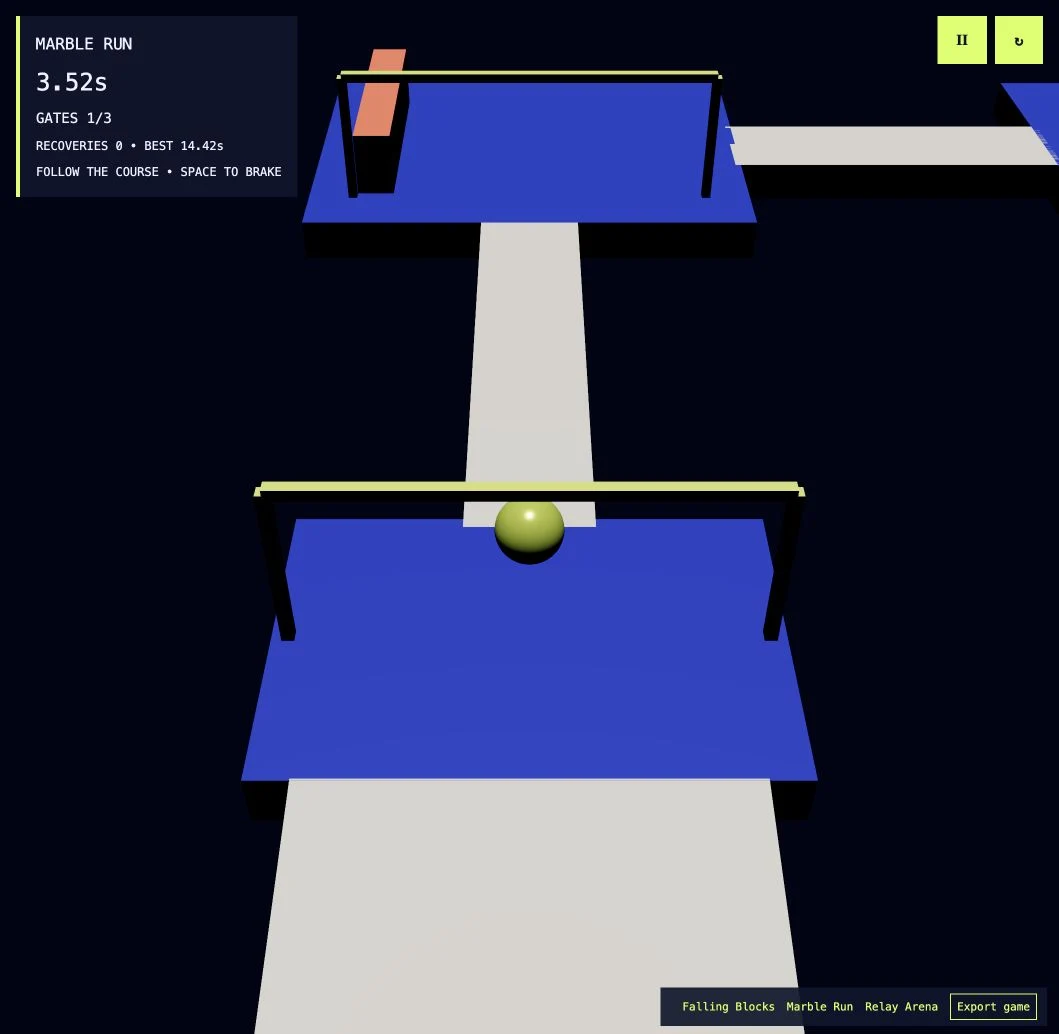
Interverse Game Engine
Build a world. Play it.
Shape a 3D scene, give it rules with visual scripting and playtest it in your browser.

The workspace
From a scene to a game.
Place objects in the viewport, add interactions and use Play to test what you’ve built.
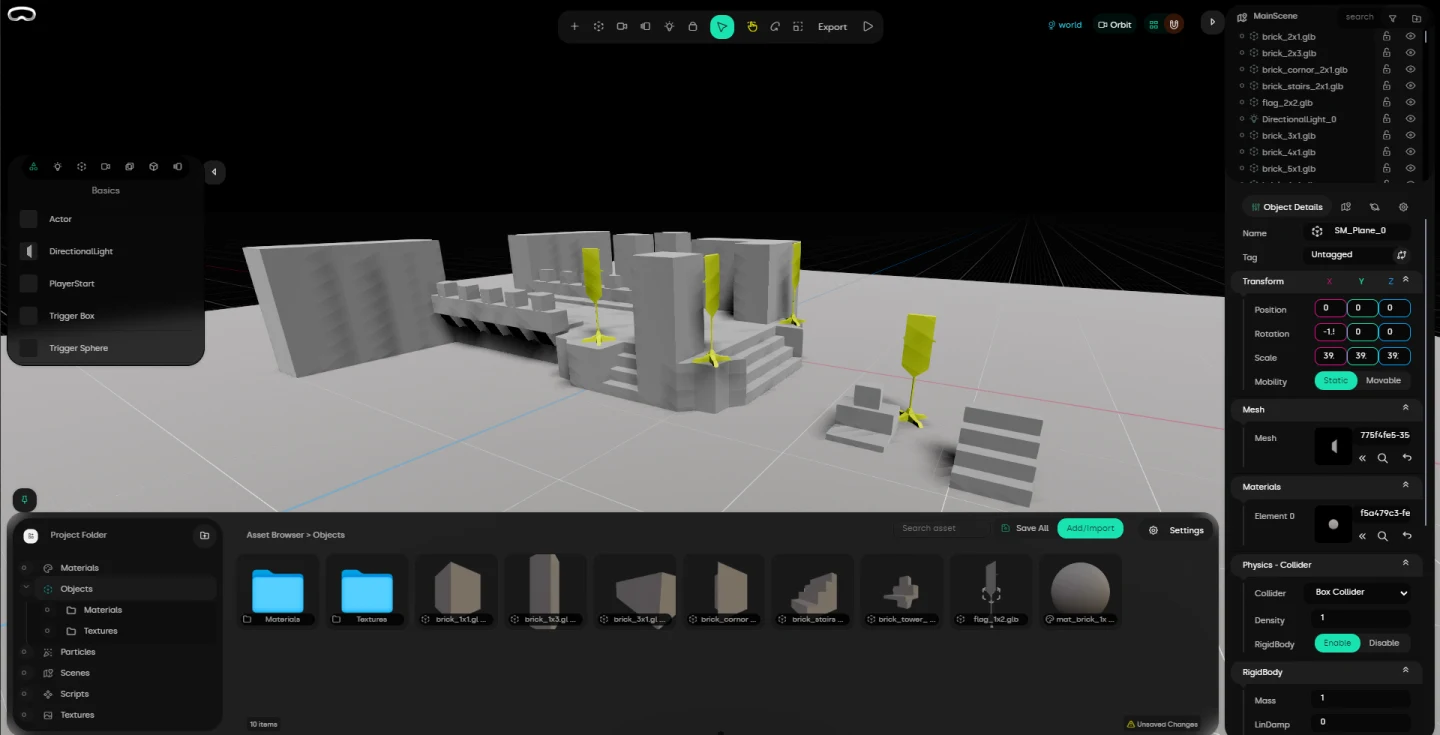
Walkthrough · Marble Run
Make your first playable scene.
Start a project
Choose New Project and select the Marble Run starter template.
Lay out the course
Select a ramp in the viewport and adjust its angle. Colliders keep the marble on the course and let it bounce off obstacles.
Give it a goal
In your own scene, put a trigger at the finish. Use visual scripting to connect it to an action, such as showing a finish message.
Playtest and adjust
Use Play to try the scene. Stop the test, make a change and run it again.